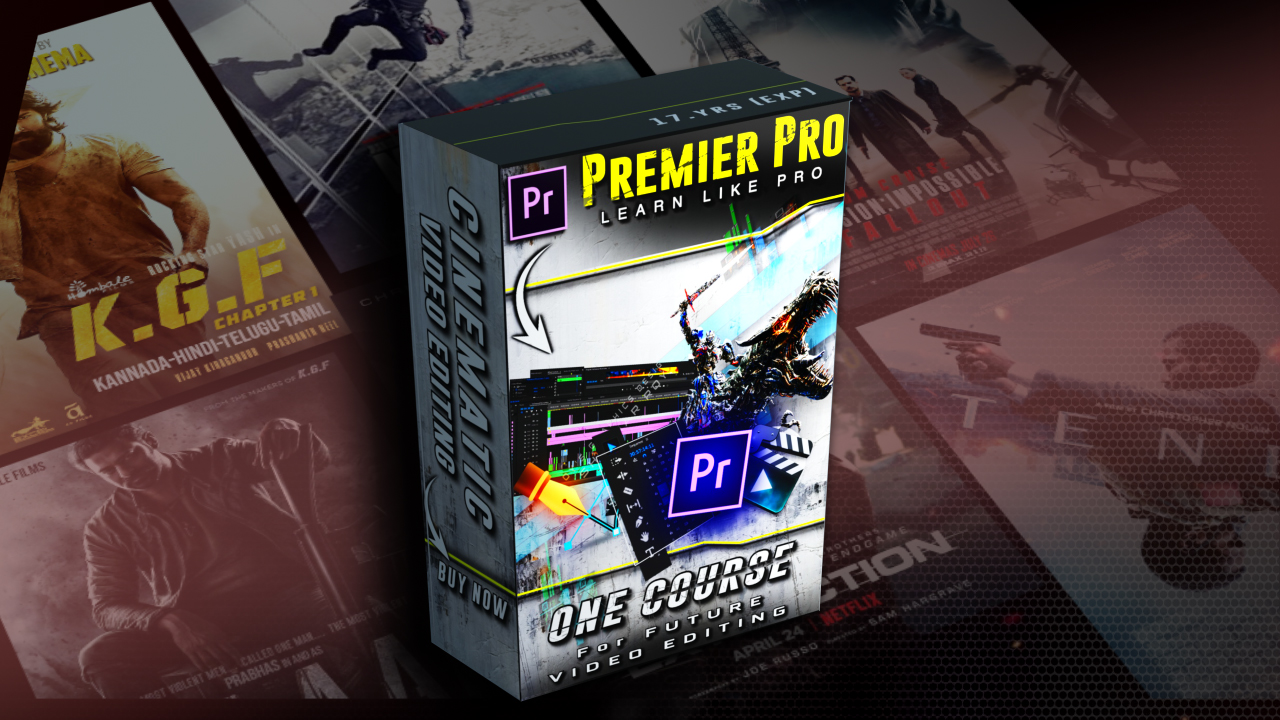
Video Editing A-Z Complete (Master Course) on Premier Pro

in Video Editing
Best Seller
(0 Ratings)
0 Students enrolled
Created by Sekhar Roy
English Intermediate
Last Updated
19 Apr 2024

What you'll learn

It includes the entire basic interface & (Important Tools) of Premier Pro software , which is exactly what it is Needed for commercial work
It is fully explained in the section on Timeline, How to Manage Video & Audio & Other Overlay objects During Editing, How to Use Important Tools on Timeline Objects
This course fully explains the working of Keyframes, how to manually animate any objects. By keyframe, And create presets & effects in your own way using KeyFrames.
This course fully explaine the wroking of Masking, How to masking videos and other objects Animate it in different ways with using Keyframe. Masking is very important for Editing Videos
Explained in Professional Lumetry Color Section, How to adjust the color, how to own Create color presets, which color will fit in which place

Course content

10 Lessons 1:08 Hr
34,078,720 bytes bytes
50,541,363.2 bytes bytes
1,101,004,800 byte byte
267,386,880 bytes bytes bytes
1,090,519,040 byte byte byte
181,154,631 bytes bytes bytes
420,370,744 bytes bytes bytes
420,370,744 bytes bytes bytes bytes bytes
640,874,756 bytes
279,179,792 bytes

Requirements

i3-3rd generation (3.30ghz)
DDR3 - 4GB RAM (Minimum)
DDR5 (2GB) Graphics card
HDD Spec free - 7GB

About this course

Everything in this Course is explained in detail step by step, To be a Professional video editor everything you need to read is shown in this Course. Which you have to learn step by step as explained in this course. Once you learn it, you can easily handle any kind of big Projects & jobs easily, whether it comes from any part of the world.


         Course Details 

1. Toolbar complete functions and how to use them ? 

2. Keyframe for manual animation is very clearly & deeply explained, with the help 

of which you can easily animate any type of object as you like.

3. Complete work on masking explained, what is this masking? How it works like that, where is it needed?

and professional How to use it is explained 100% in this course.

4. Explained in terms of Cinematic Color Grade, How can a simple video color give a cinematic look ?

How to make manual color preset? Where and how much is needed? All of that has been explained.

(Some rules and tips of learning video editing course proper way)


You can learn this course completely within 2 to 3 months. If you do at least 2 horses every day Give time to learn well.


We’re in the News!

  • business
  • ani
  • zee
  • yahoo
  • lokmat

About the instructor

Sekhar Roy

Sekhar Roy

Professional 2D/3D Motion Graphics designer

Sekhar Roy

Professional 2D/3D Motion Graphics designer
  • 0 Reviews
  • 1 Courses
Faithful User
Junior Vendor

Hi i am Sekhar Roy, i am a Professional 2D/3D Motion Graphics & VFX Artist in Kolkata, Contact us for best : Video Editing, VFX & Motion Graphics Courses, Which Arena & High Tech animations can't provided at such a low price.

We only provide exactly what is needed in the movie & media industry.
Celebrating

200000+

Happy Learners!

FAQ

After learning it you can work on any kind of big project very easily, be it offline or online without anyone's help.

Student reviews

0
Course Rating
Content quality (0)
Instructor skills (0)
Purchase worth (0)
Support quality (0)
Capacity:
Unlimited
Duration:
1:08 Hours
Files:
10

Report course

Please describe about the report short and clearly.

Share

Share course with your friends

Buy with points